Will My Chapter Head Images Look Right?

Contents
It depends. Sometimes we can, sometimes we cannot. There is no such thing as absolute vertical or horizontal positioning in an eBook. If you used a picture of an apple, let’s say, as the letter “a” in every Chapter heading that had an “a,” it's possible that it would not come out perfectly. Kindle e-ink devices, remember, do not allow for inline images, so it is highly likely that the layout won’t match your print layout perfectly.
But...
However, many creative ideas can make the Chapter heads look very similar to the print book. This is something to bear in mind when you are putting together your manuscript. To show you how Chapter heads can work, see the below examples. The first is a handbook for "The Hyster Sisters" in Kindle Fire format, with the chapter graphic; the second is the same book in Kindle e-ink format. These work because the chapter images are above the chapter title. They would also work if below. What does not work very well is when the image or graphic is incorporated in the same line as the text.
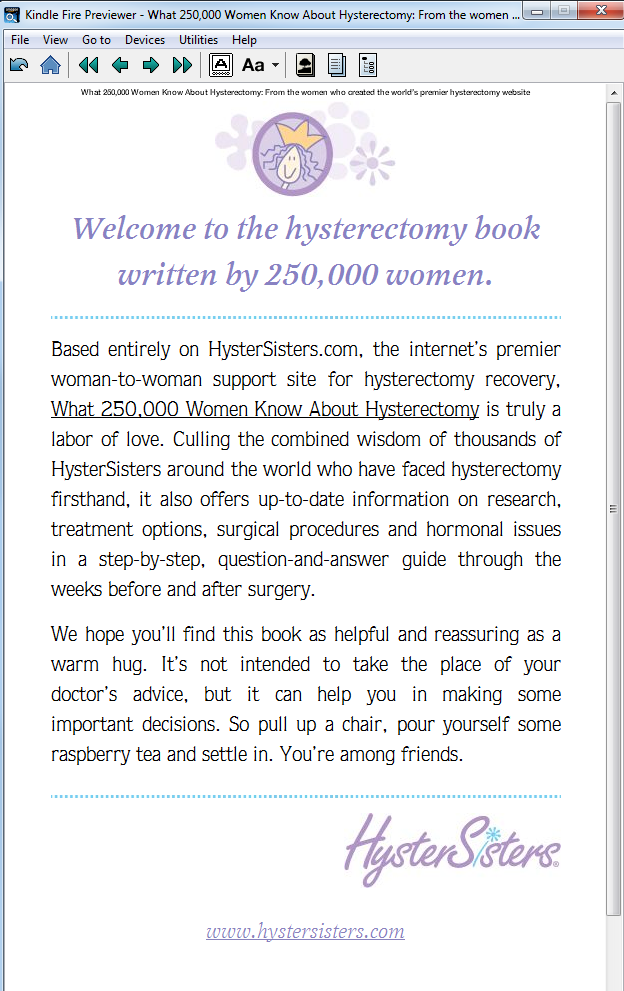
The "HysterSisters" handbook, shown in MOBI format on a Fire device. Because the chapter head images are above the text heading, these came out perfectly.
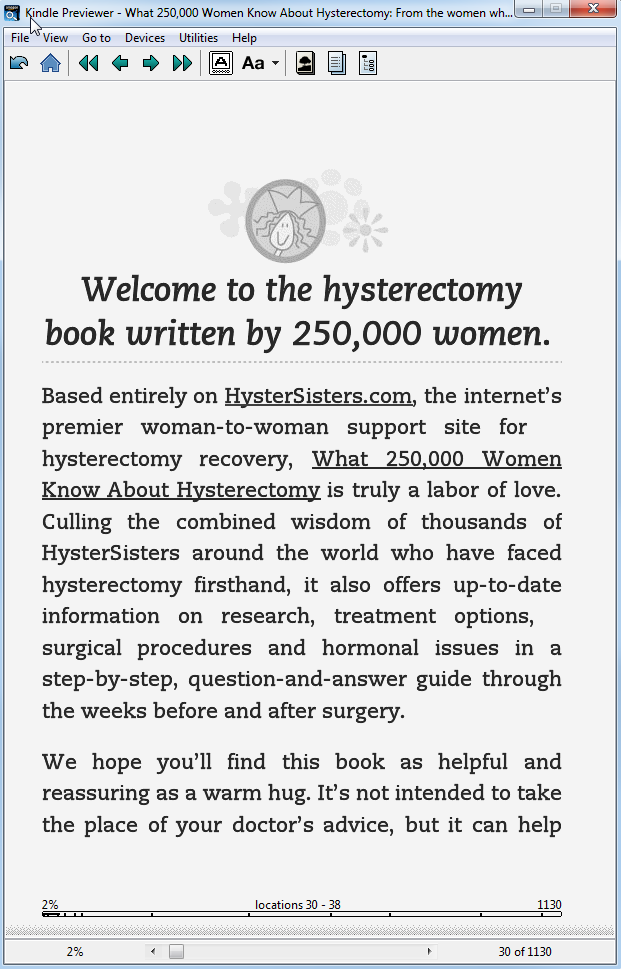
This second view is the same book on an eInk device, to show that the same formatting works across the Kindleverse of devices.
If your chapter title, however, has an image that's part of the text, then we have no choice but to take a screen shot of the entire chapter head, and embed it as an image. This is because at this time, we can't float text atop an image. Sometimes, this can result in somewhat diminished image resolution, but most times, it comes out pretty spiffy.