iPad "Book" Size

Contents
Apple's iPad tablet computer has a built-in reading application called “iBooks.” (Updated, 2018: there is also now an iBooks Reader for Mac available for the laptops and desktop Mac computers, and they are all now called "Books," rather than "iBooks" or "iBooks Reader.") The iBooks application works with either ePUB or PDF files, but only ePUB files may be sold on the iBookstore as “eBooks.” Apple has high barriers to entry for self-publishers. They require approved iTunes Publisher applications before accepting content. Each book is run through what is called “ePubcheck,” a program that tests the technical perfection of the book, and each is vetted by Apple personnel for acceptability, based upon criteria that are not public.
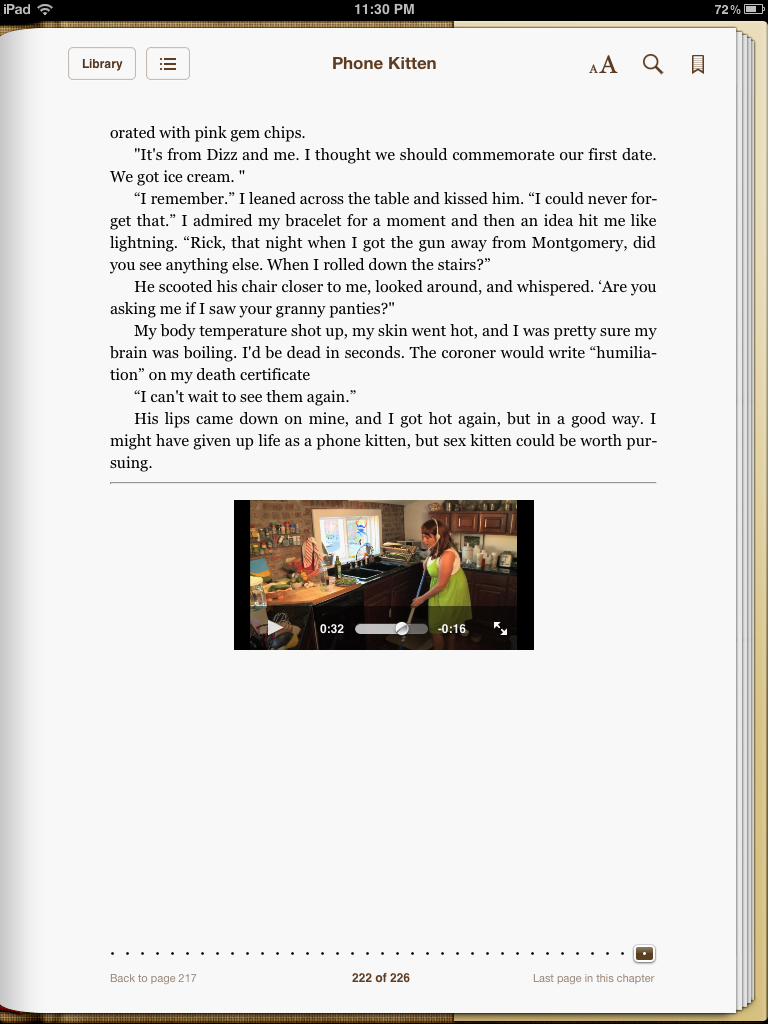
BooksBnimble's bestselling book "Phone Kitten," which includes embedded video, for the ePUB used for the iBooks version. This screenshot shows you how the embedded video displays for the reader, before being enlarged/played.
The iPad tablet is 7.31” wide and 9.50” long. The screen size is 5.81” wide by 7.75” long. Obviously, the iPad is the largest of the now-available “readers.”
The iBooks application also allows for a fixed-format book to be created. Books may have embedded video, audio, and even embedded PDF's. Arguably, as of this writing, the iBooks application has the most advanced technology for multimedia books. Many publishers prefer it for those titles that need multimedia, like cookbooks or “how-to" titles. It is also very popular for children's titles, and many of these titles are public domain books (free) like “Alice in Wonderland” or “The Velveteen Rabbit.”
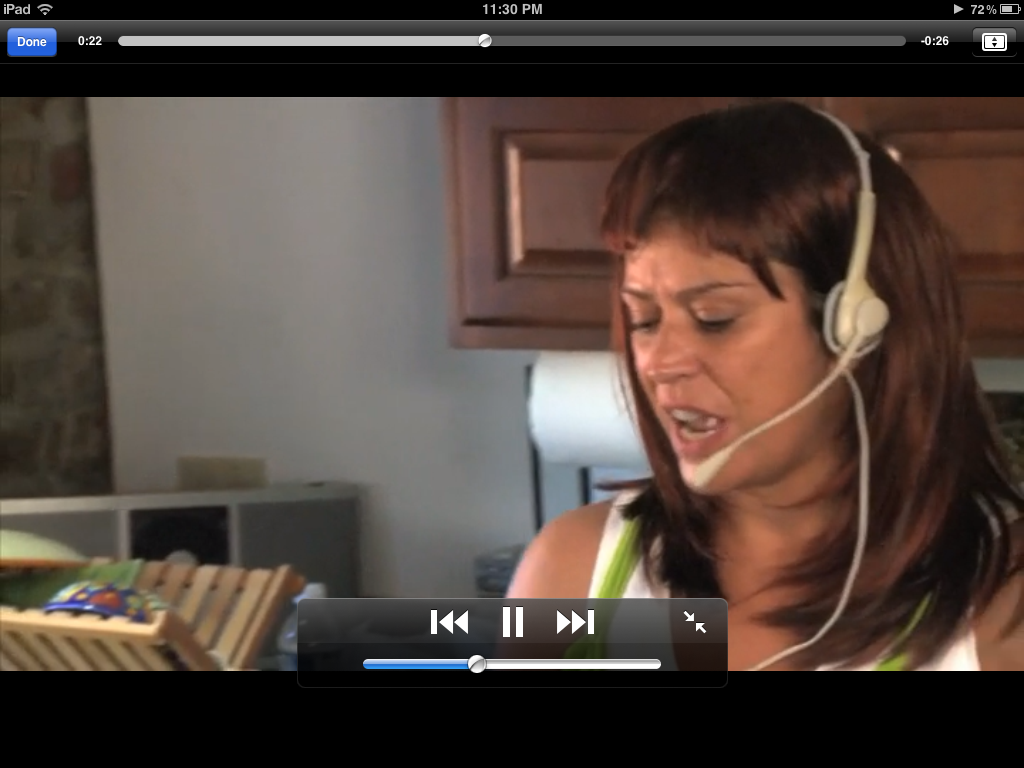
This shows the same video, now being played, full-screen-size, in the iBooks app. Arguably, for multimedia, the iBooks app is the most-advanced...but of course, the question is, do readers really want video and audio in their books?
Like the Nook and the Fire, iBooks allows readers to change orientation (portrait or landscape), one-page or two. It allows the reader to choose from a wide variety of fonts and background colors, as well as font-sizes. Many advanced eBook features and formatting can be used in the iBooks application that are not available in other readers. If you have a book that requires very advanced features, like embedded audio or video, you may wish to consider pursuing distribution to the iBooks platform for your book.
Above, (or on prior pages) you can see how embedded video looks on the "page" in an eBook, in BooksBnimble's comedic romp, Phone Kitten. In the first image, you see how the video is shown or indicated, to the user, to exist, with a small placeholder, or "poster" on the screen, and in the second image, you can see the video playing, tapped by the user and now displaying and playing full-screen size on the iPad device.